Every scene already has a gradient in it.
Cameras spend all their effort on sharpness. GradientCam goes the other way: it blurs the frame so far that only colour and light are left.
A tram at dusk, a bowl of oranges, the sweater you're wearing: each becomes a gradient nobody else will make, because nobody else is standing where you are, in that light.
The screen is the picture. The controls float over it and get out of the way, so you can see what you're making while you make it.
Real scenes, captured with GradientCam.
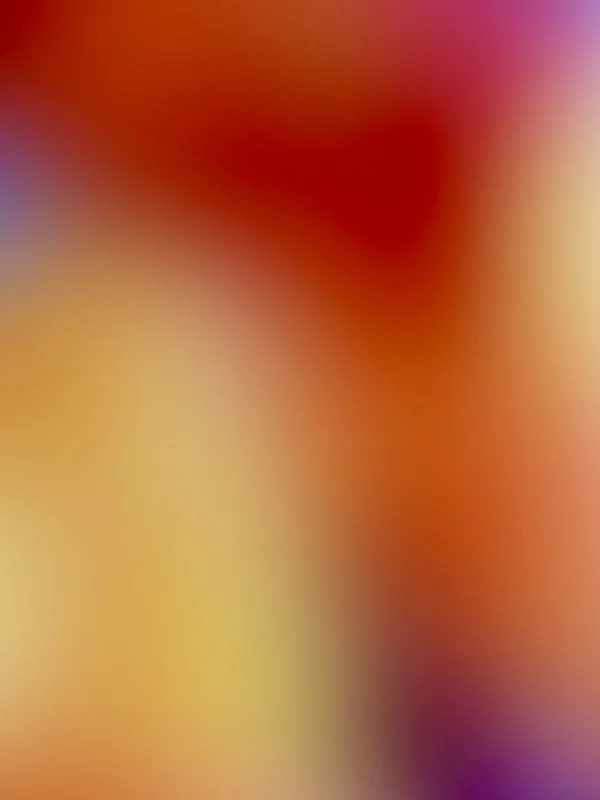
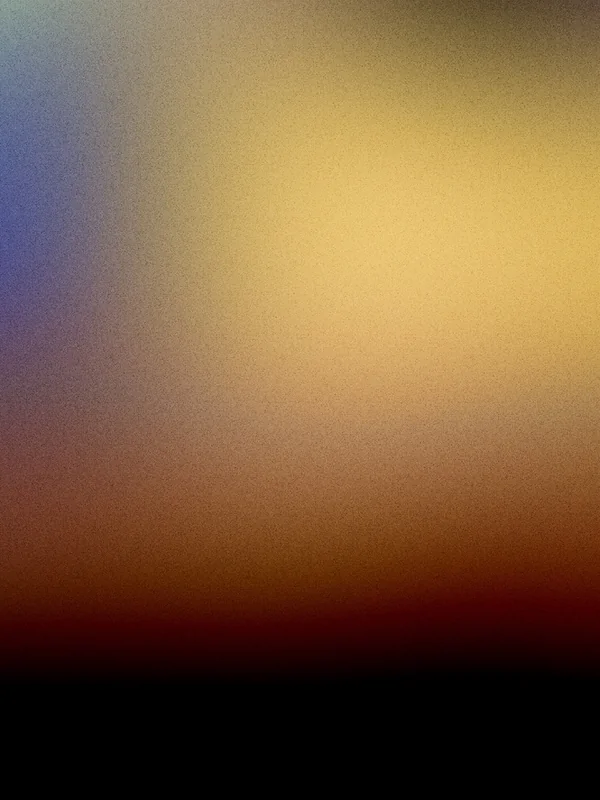
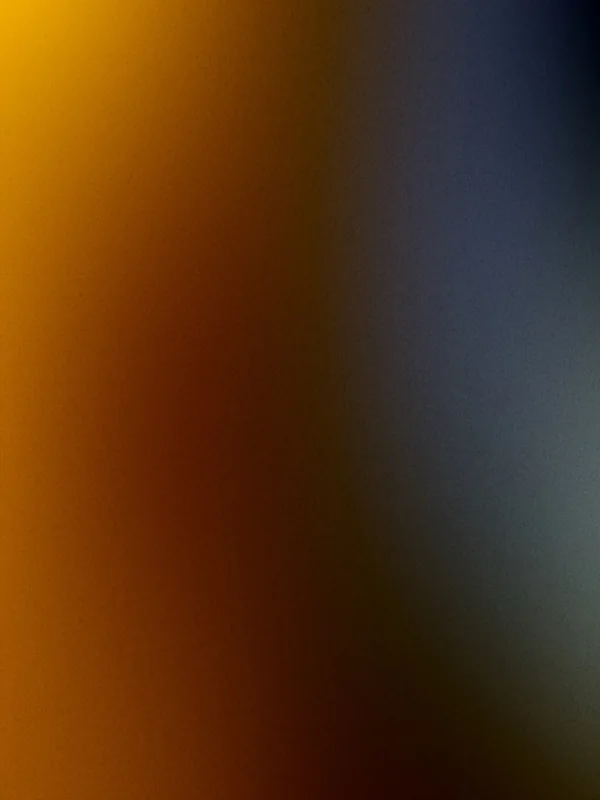
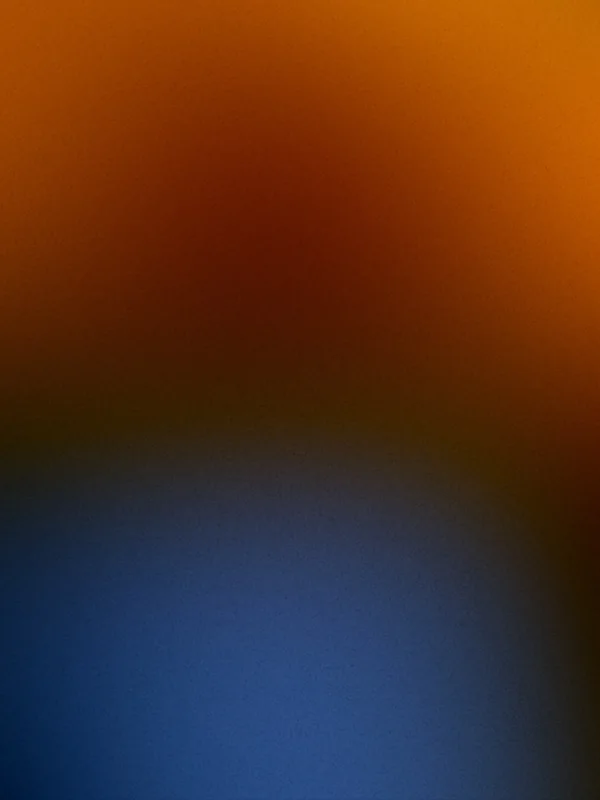
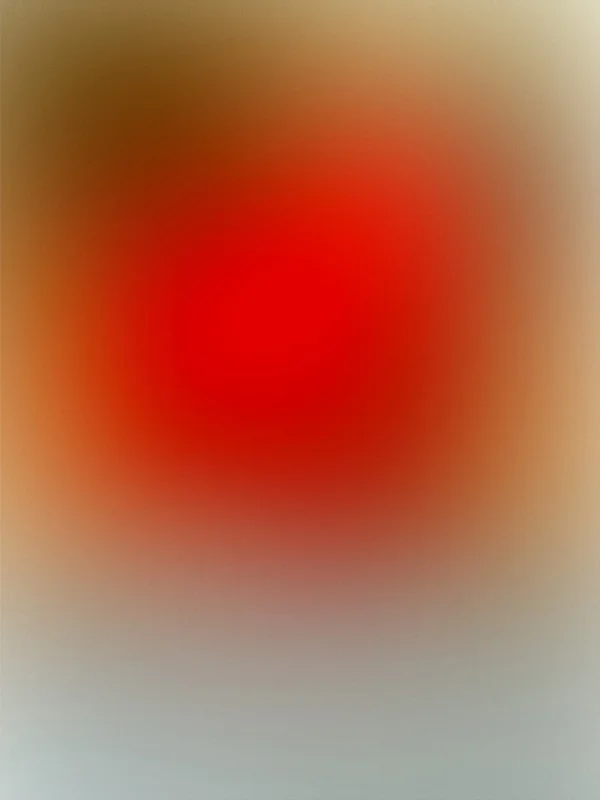
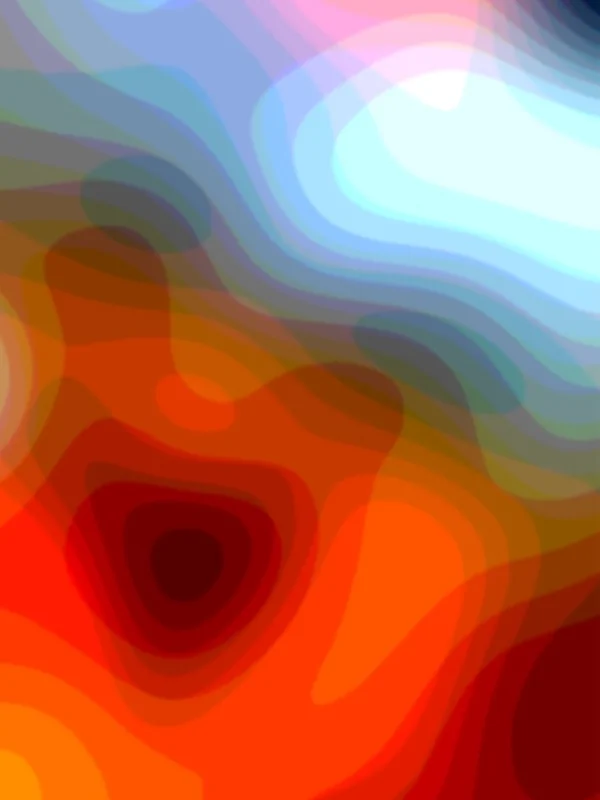
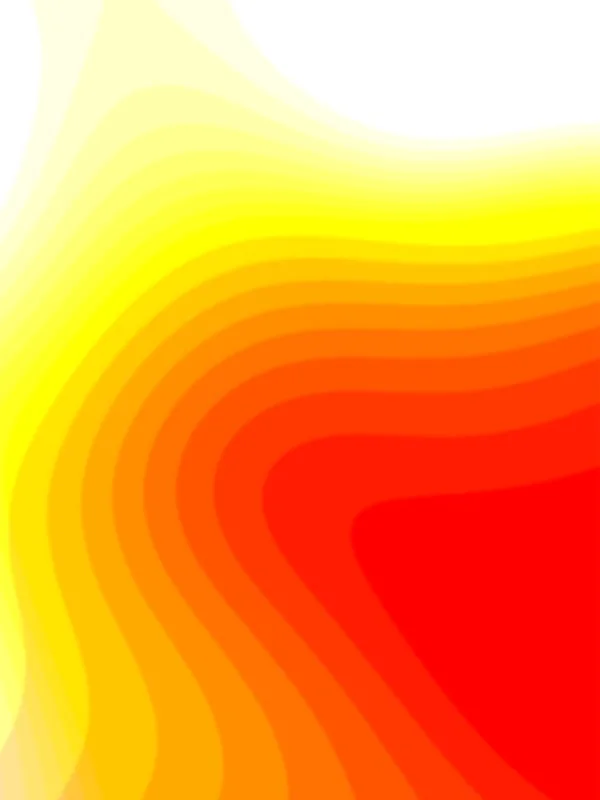
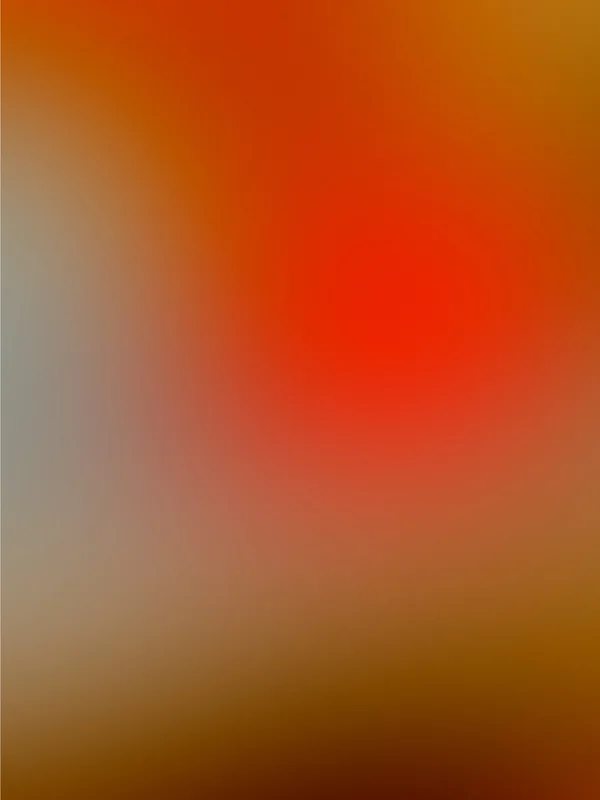
From scene to gradient.
The detail disappears and the light stays. You tune blur, contrast, saturation and grain while you point the camera, and what you see is what you save.
The scene
What the camera sees, just out of focus.
The gradient
Blur, contrast, saturation and grain, tuned live and saved.
What's in the app
- LookBlur and Shapes
- Blur is the classic soft gradient. Shapes warps the gradient into flowing forms and steps it into flat bands of colour, somewhere between a contour map and a screen print. Switch at the top of the screen, any time.
BLURSHAPES
- TuneFour values, one ruler
- Blur, contrast, saturation and grain sit in a row of labelled tabs, each with its number. Tap one, then drag the ruler beneath to change it. One control does all four, so the picture keeps most of the screen.
BLUR 72CONTR 46SAT 58GRAIN 22
- FreezeHold
- Found the colours you want? Tap Hold and the frame stops, but the four values still change it live. Put the phone down, fine-tune in peace, then save. Discard to go back to the camera.
- CapturePhoto and video
- A familiar Photo / Video switch and a real shutter. Video records the processed image, so the clip looks exactly like the preview, and you can keep adjusting while it records.
- QualityHQ
- Turn on HQ to take stills through the iPhone's full-resolution photo pipeline, ready for large prints and big screens. With HQ off, the still is taken straight from the live preview, the closest match to what's on screen.
- OpticsLenses
- Every lens your iPhone has, one tap away at the top left. The wide lens spreads colours out; the telephoto picks one patch of the scene and turns it into a field.
.51×3
- FocusClean view
- Swipe down and every control slides away. Only a small label remains, with the gradient edge to edge. Tap the screen to capture; swipe up to bring the controls back.
Colour you found, not colour you picked.
Wallpapers
A lock screen made from the light in your own kitchen.
Backgrounds
Real-world gradients for slides, websites and posters, with grain built in.
Cover art
Abstract artwork for singles, playlists and releases.
Moving backdrops
Slow, drifting colour as video, for visuals, edits and loops.